Many Indian companies start with payroll software — or even a well-kept Excel file plus a CA's tool — and that is the right move for a small, stable team. The question is when payroll-only stops being enough. This article compares payroll software vs a full HRMS, lists the signs that you have outgrown calculating salaries in isolation, and explains what usually belongs in the first upgrade phase.
Nothing here is legal or tax advice. Statutory items such as PF, ESI, professional tax and TDS should always be checked with your CA against current rules for your locations.
What payroll software is good at
Payroll software exists to get people paid correctly and on time. At its best it handles salary structures, earnings and deductions, statutory calculations, payslips and a bank transfer file. Some tools also help with Form 16 and basic compliance reports. If your attendance is simple, leave is tracked elsewhere without much conflict, and headcount is modest, a focused payroll product (or a disciplined spreadsheet process with a careful reviewer) can be enough for years.
Payroll-only starts to creak when the inputs to payroll are messy. Wrong attendance, late leave approvals and WhatsApp "I was on site" messages become the real payroll team — and no salary calculator can fix bad inputs.
What a full HRMS adds
A human resource management system usually sits wider than pay run day. Alongside payroll, you typically get:
- A central employee master (joining, transfers, exits, documents).
- Attendance and shift rules, often with biometric or mobile punches.
- Leave policies, balances and approvals.
- Employee self-service for payslips, leave and basic profile updates.
- Optional modules such as recruitment, onboarding or performance.
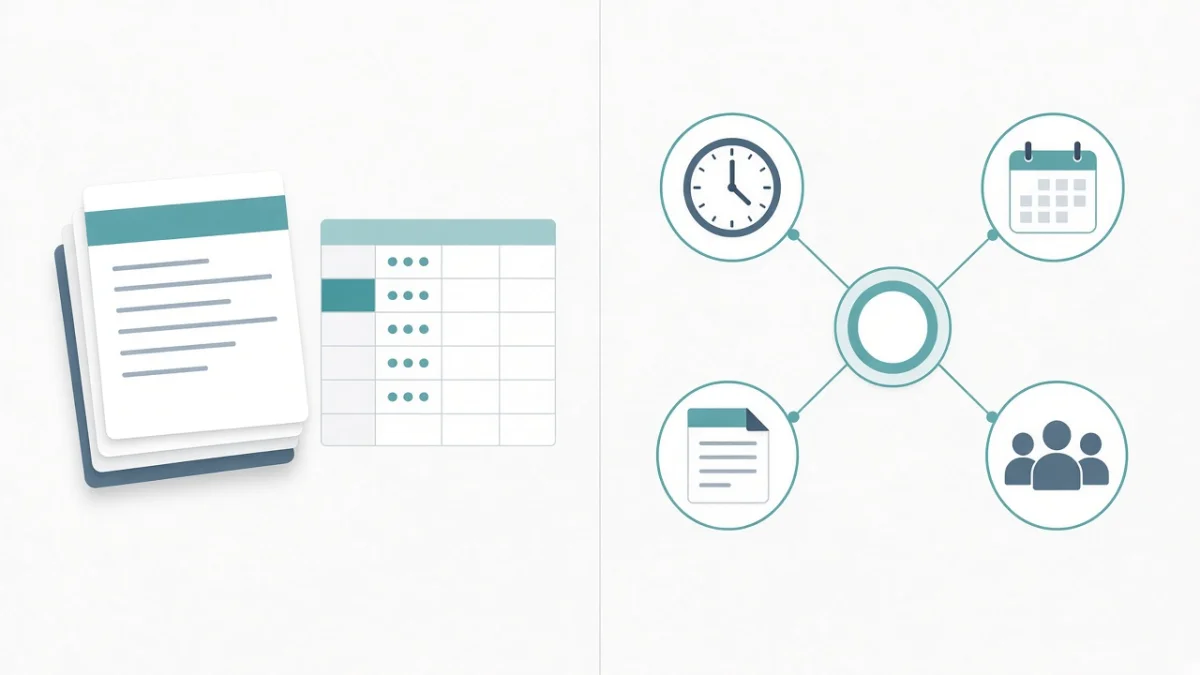
In other words, payroll becomes one module inside a single source of truth for people data. That is the practical meaning of payroll software vs HRMS for most SMEs — not a branding debate.
Side-by-side comparison
| Need | Payroll software | Full HRMS |
|---|---|---|
| Salary calculation and bank file | Core strength | Included as a module |
| PF, ESI, PT, TDS | Often included | Included, tied to attendance and master data |
| Attendance into pay | Usually a manual import | Designed to flow from punches and shifts |
| Leave balances and approvals | Often outside the tool | Built-in workflows |
| Employee self-service | Limited or absent | Payslips, leave, declarations on web/mobile |
| Field / geo attendance | Rare | Common in modern Indian HRMS products |
| Hiring and appraisals | Not the focus | Available when you are ready |
Signs you have outgrown payroll-only
If three or more of these feel familiar, it is time to evaluate a full HRMS seriously:
- Month-end is a reconciliation project. Attendance exports, leave emails and the payroll sheet never quite match, and someone spends days making them agree.
- Managers approve leave on WhatsApp. There is no reliable balance, and payroll discovers absences too late.
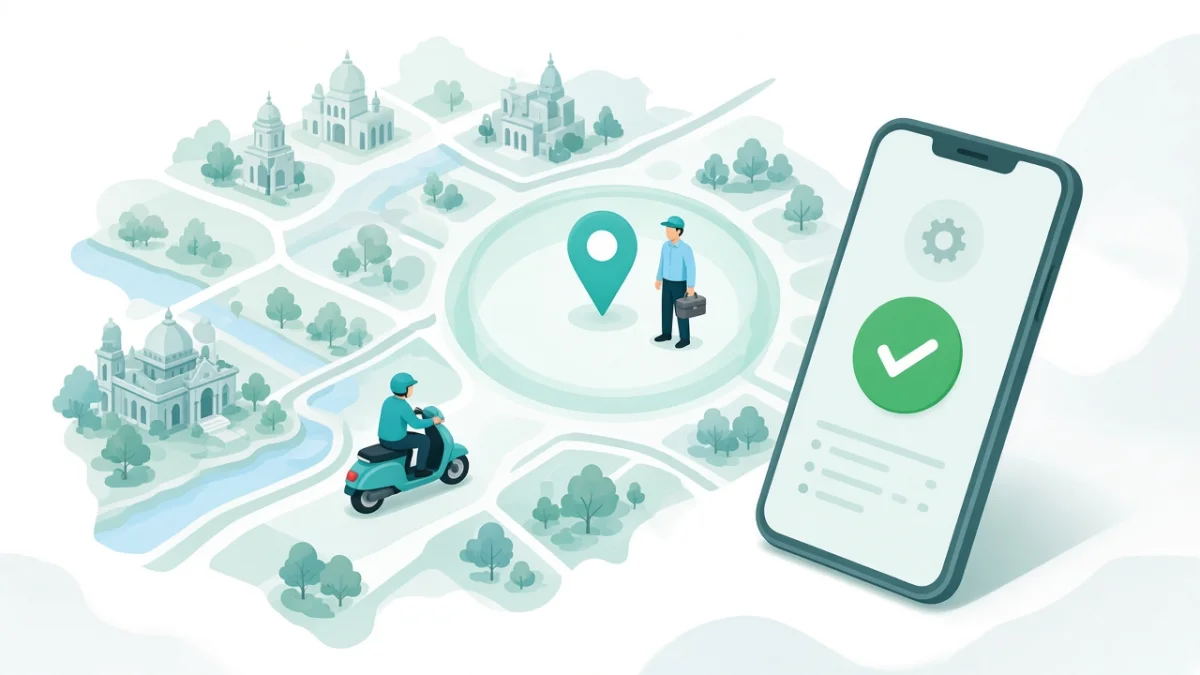
- Field or delivery staff are invisible. Presence is self-reported, disputed, or entered in bulk on the last day of the month.
- Employees treat HR as a helpdesk for payslips. Every cycle brings the same "please send my salary slip" requests.
- A second branch doubles the work. You copy workbooks, holiday lists and professional tax logic by hand.
- Joiners and leavers break the process. Mid-month changes, arrears and full-and-final settlements are error-prone because data lives in too many places.
- Only one person can run payroll. When they are on leave, the business stalls — a classic spreadsheet/payroll-tool ownership risk.
- Finance wants salary journals without retyping. You need a cleaner hand-off to accounting or an ERP, not another CSV ritual.
When staying on payroll software is still rational
Do not upgrade for the brochure. Stay on payroll-only (or payroll + light tools) when:
- Headcount is small, mostly office-based, with stable shifts.
- Leave volume is low and disputes are rare.
- Attendance is already trustworthy (for example a reliable biometric feed you import cleanly).
- You do not yet have an internal owner who can lead an HRMS rollout.
Buying modules you will not use in year one adds training cost without reducing month-end pain. Configure for the bottleneck you have, then expand.
What "upgrade" should look like in practice
A sensible path for Indian SMEs is phased, not dramatic:
- Employee master first. Codes, departments, managers, bank and statutory IDs cleaned and agreed.
- Attendance and leave next. Get punches and approvals trustworthy before you touch live pay.
- Payroll last, with parallel runs. Run old and new calculations side by side for at least one cycle — ideally two — until gross, net and statutory lines match.
- Self-service as soon as payslips are stable. That is when HR stops being a PDF printer.
For larger organisations, the change-management detail matters as much as the product. Our guide to an HRMS rollout for 500+ employees covers pilots, training and parallel payroll without repeating the buying checklist here.
Where Cube HRMS fits
Cube HRMS is aimed at teams that have outgrown disconnected attendance dumps and payroll files. It covers payroll processing, biometric and geo-fenced mobile attendance, leave, statutory compliance (PF, ESI, professional tax and TDS), and employee self-service on web and mobile, with integration paths toward biometric devices, Tally/accounting and ERP journals. You can click through a sample pay run and attendance screens in the HRMS demo before you commit to a scoped implementation.
If your "payroll problem" is actually a custom field-operations workflow, you may need product configuration plus selective custom app development — but most upgrades fail from unclean data and skipped parallel runs, not from missing screens. Teams comparing local delivery partners can also read how we approach software builds as a software company in Bhubaneswar.
A quick decision guide
- Choose payroll software if your only gap is calculating and filing pay for a stable office team.
- Choose a full HRMS if attendance, leave, self-service or multi-location people data are breaking payroll accuracy or HR capacity.
- Choose phased HRMS if you need the destination but cannot change everything in one month — start with master data, attendance and leave, then payroll.
When you evaluate vendors, bring one real messy month (joiners, leavers, a disputed attendance case and a multi-state professional tax example if you have one). Ask them to show that month in the product. Brochure modules are easy. Your exceptions are the test.
Frequently Asked Questions
Is HRMS just payroll with a nicer interface?
No. Payroll is one part of an HRMS. The fuller value is connecting employee data, attendance, leave and self-service so payroll inputs are trustworthy and HR is not stitching tools together every month.
Can we keep our CA or Tally process if we move to an HRMS?
Often yes. Many teams keep their accountant's workflow and use the HRMS for operations and pay inputs, with exports or integrations into accounting. Confirm the hand-off during discovery rather than assuming a rip-and-replace.
How long does an upgrade from payroll-only usually take?
It depends on data quality and locations. Many SMEs plan several weeks for master data and attendance/leave, then one or two parallel payroll cycles before switching. Large multi-location rollouts take longer.
Should we turn on recruitment and performance on day one?
Usually not. If month-end payroll and attendance are the fire drill, fix those first. Add hiring and appraisal modules when the core is stable and someone owns those processes.
What is the biggest mistake when switching?
Going live on payroll without parallel runs and without a clean employee master. Software cannot compensate for wrong bank details, missing UANs or attendance that nobody trusts.

Written by Deepankar Saha
Deepankar Saha has 16+ years of experience in software development and entrepreneurship. He leads Utility Cube Technologies, working with founders and operations teams to plan, build, and grow websites, applications, and business software they can run with confidence.