Buying HRMS software in India is less about finding the longest feature list and more about matching how your team actually works. For most SMEs, that means payroll that stays correct every month, statutory deductions that do not need a weekend of spreadsheets, and attendance that covers office staff as well as people on the road. This guide is a practical comparison checklist for founders, HR leads and finance heads who are evaluating systems — including when a product demo of something like Cube HRMS is enough, and when you should expect heavier configuration or custom work.
This is general guidance for planning and vendor conversations, not legal or tax advice. PF, ESI, TDS, professional tax and labour rules change, and they can differ by state. Confirm current obligations with your CA or compliance advisor before you finalise any payroll setup.
Start with the problems you want to stop
Write down the three headaches that keep recurring. Typical ones for Indian SMEs look like this:
- Payroll takes days because attendance, leave and Excel do not match.
- PF, ESI, professional tax or TDS calculations live in a separate file that only one person understands.
- Field or delivery staff mark attendance late, by WhatsApp, or not at all.
- Employees keep asking HR for payslips, leave balances and Form 16 status.
- A second branch or cost centre means duplicating the same workbook.
If you cannot name the pain, every demo will look equally shiny. If you can, you will ask better questions and ignore modules you do not need in year one.
Checklist: what SMEs should compare
1. Payroll processing
Ask how salary structures, allowances, deductions, arrears, reimbursements and full-and-final settlements are handled. You want bank transfer file generation your bank will actually accept, clear payslips, and a way to re-run corrections without rebuilding the month from scratch. For contractor or weekly cycles, check whether those are supported or need a separate process.
2. Statutory compliance (PF, ESI, PT, TDS)
Indian payroll is unfinished without statutory support. Look for configurable PF and ESI calculations, professional tax by state, TDS with Form 16 support, and compliance-ready reports or challan-oriented outputs. Wage ceilings, contribution structures and filing calendars are updated by EPFO, ESIC and the tax department from time to time — for example, mandatory EPF wage-ceiling revisions and scheme updates have continued into 2026 — so ask how the vendor keeps rules current during support, and how multi-state teams are configured.
Professional tax and holiday calendars vary by location. If you have people in Odisha and another state, the system should let you set location-specific rules rather than forcing one national template.
3. Attendance tracking
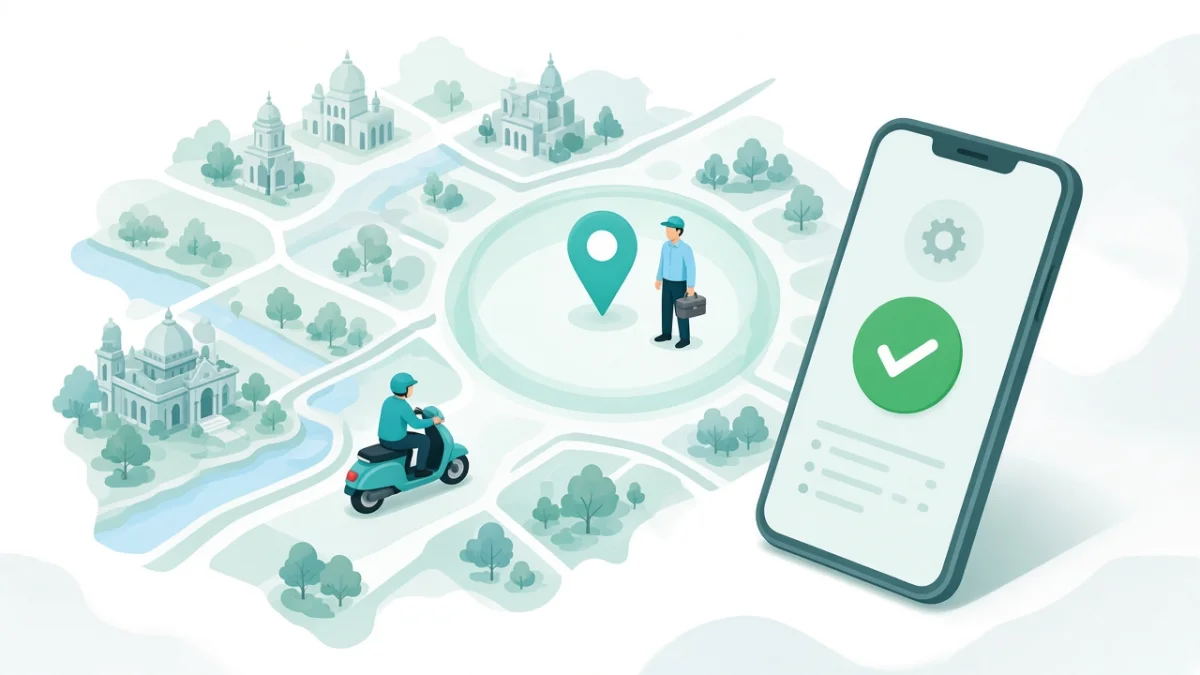
Office teams often need biometric or fixed-location punches. Field and delivery teams usually need mobile attendance with geo-fencing or similar location rules, plus shift and overtime logic. Manual adjustment should exist for exceptions, but it should leave an audit trail. Ask how punches flow into leave and payroll so nobody re-types hours at month end.
4. Leave management
Compare leave types, accrual rules, approval workflows, balance tracking and holiday calendars. Managers should approve from web or mobile. Employees should see balances without emailing HR. If grades or locations have different policies, the product should reflect that without a custom spreadsheet beside it.
5. Employee self-service
Self-service is where HR time is saved. Payslips, leave requests, tax declarations and basic profile updates should be available on web and mobile. If staff still depend on HR for every payslip download, you have bought a back-office tool, not a workforce system.
6. Mobile experience
Test on a mid-range Android phone and a weak network, not only on the salesperson's laptop. Field staff will abandon an app that is slow, confusing or constantly asking for permissions they do not understand. Attendance, leave and payslip download are the three screens that matter most on day one.
7. Integrations
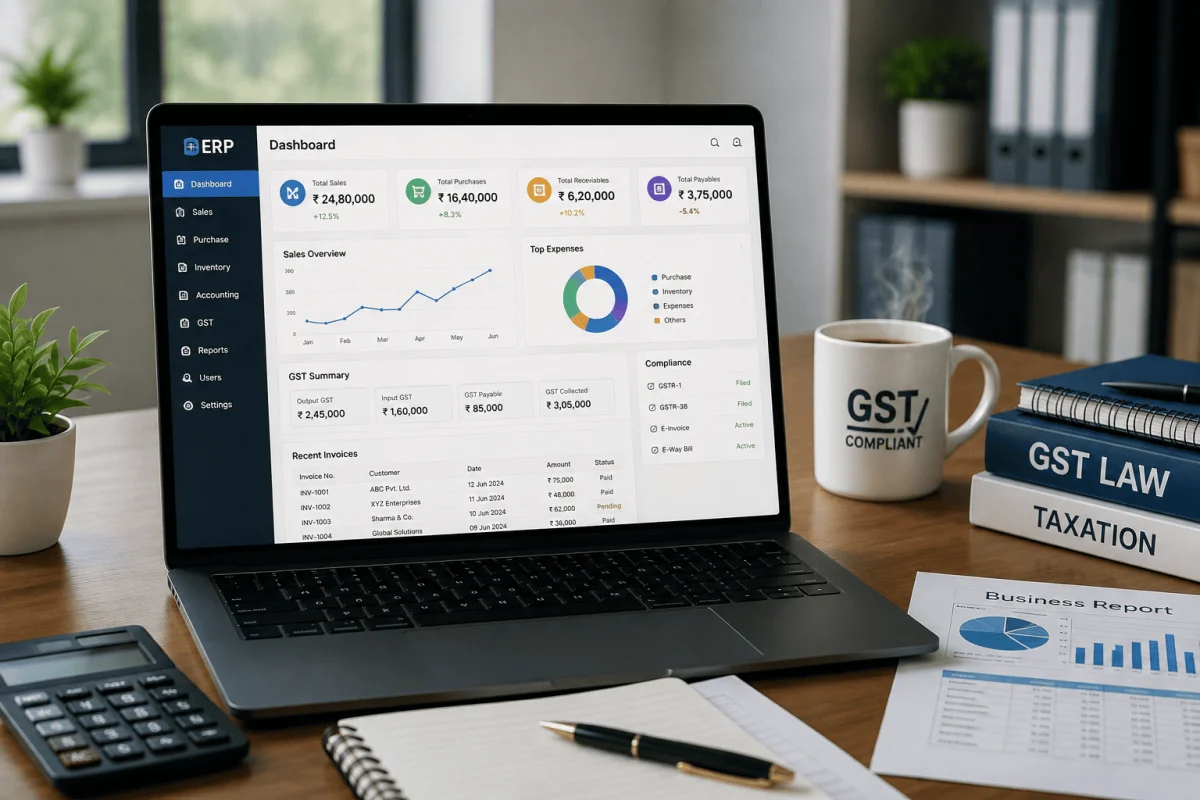
Common needs in India include biometric devices, Tally or accounting exports, ERP journals for salary cost, email or SMS notifications, and sometimes WhatsApp Business or Google Workspace for onboarding workflows. Confirm what is already available versus what is a future custom project. If payroll journals must reach finance cleanly, see how an ERP system and HRMS share employee and cost-centre data.
8. Data security and access control
An HRMS holds salaries, bank details, PAN and other sensitive records. Ask about role-based access (employee, manager, HR, payroll), audit logs, export controls, password or SSO options, and where data is hosted. Under India's Digital Personal Data Protection framework, treat employee data with the same seriousness as customer data. You do not need a scare story — you need clear roles and logs before go-live.
9. Support and ownership
Who trains your team? Who answers after the first payroll? Can someone visit or join a call during working hours if you are in Bhubaneswar or elsewhere in Odisha? Prefer partners who document policies with you, run parallel payroll cycles, and leave you owning credentials, reports and the admin login — not a black box only the vendor can open.
10. Pricing model questions (without anchoring on a brochure number)
Ignore vanity "per employee forever" marketing until you know what is included. Ask:
- Is pricing one-time licence plus implementation, subscription, or a mix?
- What is included in setup: data migration, training, parallel payroll support?
- What costs extra: multi-entity, custom workflows, extra integrations, additional locations?
- How are statutory rule updates handled during the support period?
- What happens if headcount grows past the first slab?
Compare total cost of getting payroll right for a year, not only the sticker price on a slide.
A simple comparison table for shortlists
| Area | What "good enough" looks like | Red flag |
|---|---|---|
| Payroll | Structures, arrears, bank file, payslips | Export to Excel is the only "payroll" |
| Statutory | PF, ESI, PT, TDS configurable by state | "We will customise later" with no owner |
| Attendance | Biometric and/or geo mobile into payroll | Manual import every month |
| Self-service | Payslips and leave on phone | HR emails PDFs on request |
| Support | Named process for first two pay cycles | Ticket-only, no parallel-run help |
When a Cube HRMS demo is enough vs heavy customisation
Cube HRMS is built for Indian teams that need attendance, leave, payroll and statutory compliance in one place, with geo-fenced mobile attendance for field staff, employee self-service for payslips, and links into ERP-style payroll journals. You can explore a sample company workspace in the free browser HRMS software demo — dashboards, attendance (including geofence zones), leave and PF/ESI-oriented pay runs — without installing anything.
A standard demo and configuration is usually enough when:
- You need core HR, attendance (biometric and/or geo mobile), leave, payroll and PF/ESI/PT/TDS in one system.
- Your policies are documentable, even if they differ by location or grade.
- Integrations you need are on the usual list: biometric devices, Tally/accounting, ERP, email/SMS, Google Workspace or WhatsApp notifications.
- You can assign an internal owner for employee master data and the first parallel payroll runs.
Expect heavier customisation or a broader project when:
- You have unusual shift patterns, multi-entity payroll, or industry-specific workflows the product does not already model.
- You need deep custom apps around HR (for example a specialised field operations portal) beyond configuring Cube HRMS — that may sit closer to custom app development.
- Data is scattered across many entities with no agreed employee codes or salary structures yet.
For large headcount and multi-location change management, pair this buying checklist with our phased guide: HRMS rollout for 500+ employees. Buying the right product still fails if data cleanup and parallel payroll are skipped.
A short buying sequence that works
- Document real policies (leave, shifts, salary heads, statutory registrations by state).
- Clean a sample employee master (codes, joining dates, bank, PAN, UAN, ESI numbers).
- Shortlist two or three products and run the same checklist on each demo.
- Insist on a parallel payroll plan before you switch off the old process.
- Train by role: employees, managers, HR/payroll — not one long "system tour".
If you want a walkthrough mapped to your attendance and payroll pain, start from the Cube HRMS product page or try the demo, then talk to the team in Bhubaneswar about what belongs in phase one.
Frequently Asked Questions
What should SMEs compare first when buying HRMS software in India?
Start with payroll accuracy, statutory support (PF, ESI, professional tax, TDS), attendance into payroll, leave workflows and employee self-service on mobile. Feature modules such as recruitment or performance can wait if month-end payroll is the current fire drill.
Does every SME need geo-fenced attendance?
No. Office-only teams may be fine with biometric or fixed punches. Geo-fenced or mobile attendance matters when you have delivery, sales, service or other field staff whose location is part of proving presence.
How is HRMS different from payroll software?
Payroll software focuses on calculating and paying salaries. An HRMS usually adds employee records, attendance, leave, self-service and often hiring or performance modules, so HR is not stitching five tools together each month.
Can HRMS handle PF and ESI for multi-state teams?
It should, if rules are configurable by location and kept updated during support. Professional tax and holidays are state-specific, so ask to see a multi-location setup in the demo rather than a single sample company.
When is customisation necessary?
When your workflows, entities or integrations sit outside what the product already supports after normal configuration. Most SMEs should configure first, customise second, and avoid rebuilding payroll logic from scratch.

Written by Deepankar Saha
Deepankar Saha has 16+ years of experience in software development and entrepreneurship. He leads Utility Cube Technologies, working with founders and operations teams to plan, build, and grow websites, applications, and business software they can run with confidence.