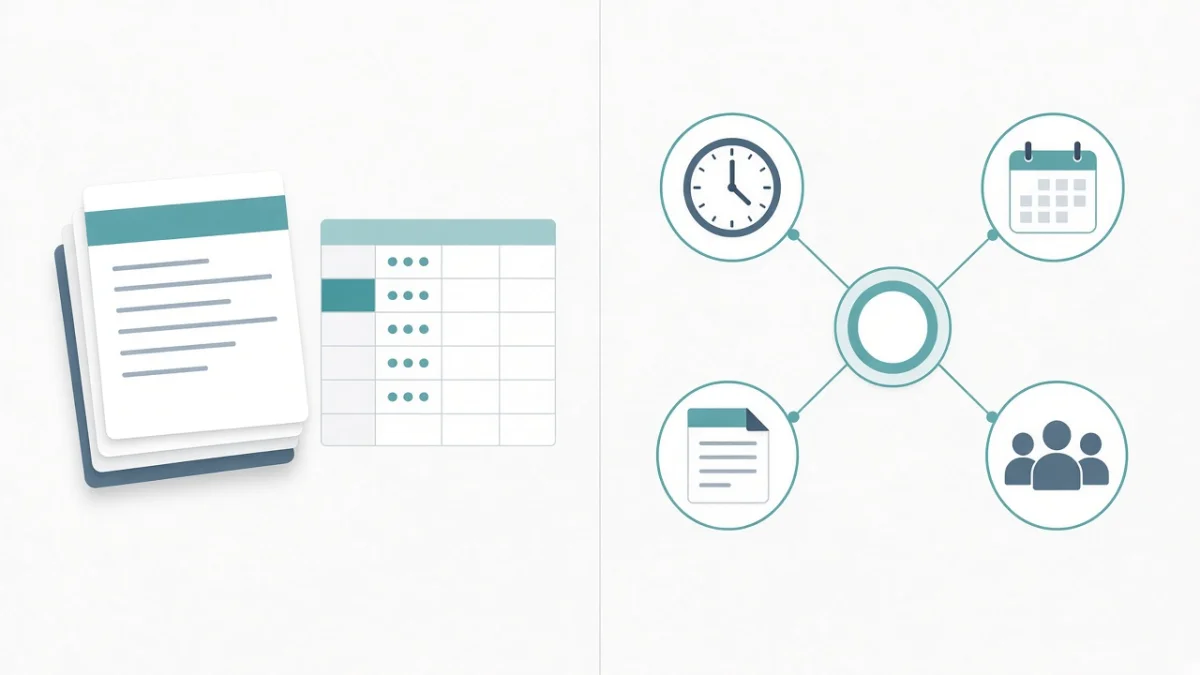
Office attendance is relatively simple: a biometric device by the door, or a fixed desk punch. Field sales, service engineers, delivery riders and on-site technicians are different. Their workplace moves, networks drop, and "I was there" arguments waste everyone's time. A geo fence attendance app — mobile attendance limited to defined map zones — is one of the clearer ways to bring field presence into the same system as leave and payroll.
This guide explains how geo-fenced attendance works, what to communicate about privacy and consent, how teams handle offline punches and fake-GPS concerns, and how to roll the process out without demoralising staff. It is operational guidance, not legal advice on location tracking or labour law.
The problem field attendance usually creates
Without a shared system, field attendance tends to look like this:
- Staff send WhatsApp location screenshots that are hard to verify later.
- Supervisors mark bulk present/absent at month end from memory.
- Payroll disputes start with "I was on site" and end with a rewritten sheet.
- Overtime and travel claims cannot be tied to a trustworthy punch history.
None of that means people are dishonest. It means the process has no reliable event log. Field staff attendance software exists to create that log while still fitting how people move through a city.
How geo-fenced attendance works
In plain language, the company defines one or more zones on a map — a warehouse, a customer site, a delivery hub, a service territory — each with a radius. Staff open a mobile app (or mobile-friendly HRMS screen), and the phone's location is checked against those zones when they punch in or out.
- Inside the zone: the punch is accepted (subject to shift rules and any manager exceptions).
- Outside the zone: the punch is blocked, flagged, or sent for approval — depending on how you configure policy.
- Linked to HR: accepted punches feed attendance dashboards, leave calculations and eventually payroll, instead of living in a chat thread.
Geo-fencing is usually paired with shift windows, grace periods and overtime rules so a punch is not only "where" but also "when". Many Indian HRMS products also keep biometric punches for office staff in the same attendance module, so finance sees one attendance story at month end.
Cube HRMS includes geo-fenced mobile attendance alongside biometric and manual options, so office and field teams can sit in one attendance and payroll flow. The browser HRMS demo includes attendance views with geofence zones you can explore with sample data.
What to set up before anyone punches
- Zone design. Start with real sites: branches, hubs, major customer locations. Avoid a single city-wide fence that proves nothing, and avoid fences so tiny that GPS jitter rejects honest punches.
- Shift and exception rules. Decide what happens for emergency visits outside a zone, training days, and rain-day hub changes.
- Device reality check. Test on the phones your staff actually use, including older Androids and patchy mobile data common on routes across Bhubaneswar, Cuttack or other Odisha cities.
- Manager workflow. Someone must clear exceptions daily, not at month end, or you recreate the WhatsApp backlog inside software.
Privacy, consent and trust
Location-based attendance only works if people understand it. Treat communication as part of the product rollout:
- Explain why you are using geo-fencing (fair attendance, safer routing, fewer disputes) in plain language.
- Be clear when location is used — typically at punch time against defined zones — rather than implying constant tracking if that is not what you configured.
- Collect consent in line with your company policy and applicable data-protection expectations. Under India's Digital Personal Data Protection framework, location and attendance records are sensitive operational data; limit access by role and keep audit logs.
- Tell staff who can see their punches (manager, HR, payroll) and how long records are kept.
- Offer a human exception path. A rigid fence with no appeal destroys trust faster than WhatsApp ever did.
If your workforce includes people less comfortable with English, put the one-page guide in Odia or Hindi as well. The technology fails when the explanation fails.
Offline punches and bad networks
Field routes are not office Wi‑Fi. Before you buy or go live, ask vendors specifically how the app behaves with no signal: whether a punch can be captured and synced later, how conflicts are resolved, and what the employee sees when sync fails. Product pages do not always spell out offline behaviour in detail — including ours — so validate it in a pilot on real routes rather than assuming.
Operationally, train staff to punch when they arrive, not hours later when they find reception. Supervisors should review "pending sync" or exception queues the same day.
Spoofing and fake GPS concerns
Any location-based system attracts questions about mock locations and remote punches. Sensible programmes combine technology with process:
- Use vendor features that detect or restrict mocked locations if they are offered — ask for a live demonstration rather than a slide claim.
- Correlate punches with route plans, customer job tickets or delivery IDs where those already exist.
- Sample-audit outliers (impossible travel times between punches) instead of surveilling everyone.
- Keep disciplinary rules written and consistent so geo-fencing is not used as an ad-hoc punishment tool.
Cube HRMS publishes geo-fenced mobile attendance as a capability; treat anti-spoofing strength as something to verify in discovery and pilot, not as a marketing checkbox copied from this article.
Rollout tips that keep field teams onboard
- Pilot one route or one hub first. Two weeks of real punches beat a company-wide launch speech.
- Calibrate fence radius with supervisors. Adjust based on false rejects in week one.
- Train by role. Staff need punch and leave; managers need exceptions and team views; HR needs policy and reports.
- Do not tie payroll to geo-fencing on day one. Run attendance in parallel with the old method until exception rates settle, then connect to pay.
- Measure a few numbers. Exception rate, average time to clear exceptions, and payroll disputes related to field attendance.
For a wider HRMS change programme across hundreds of employees, pair this attendance pilot with the phased approach in HRMS rollout for 500+ employees. Geo-fencing is one module; clean employee data and parallel payroll still decide whether month end is peaceful.
Where this sits in your systems landscape
Geo-fenced attendance is most useful when it is not a standalone toy. It should feed the same HRMS that holds leave and payroll. If you also run operations software for jobs or deliveries, decide whether attendance is the system of record for presence while the operations app remains the system of record for tasks — then integrate lightly rather than forcing staff to punch twice.
Teams that need a purpose-built field app beyond standard HRMS screens sometimes combine Cube HRMS configuration with selective mobile app development. Start from the attendance and payroll problem statement, not from a map animation.
If you want to see geo attendance beside leave and PF/ESI-oriented pay runs in one place, begin with Cube HRMS or the free demo, then scope zones and shifts around how your field teams actually move.
Frequently Asked Questions
What is a geo fence attendance app?
It is mobile attendance that only accepts punches when the phone's location falls inside a map zone your company defined — such as a warehouse, store or customer site — so field presence is recorded with a time and place.
Do office employees need geo-fencing too?
Not necessarily. Many organisations keep biometric or fixed punches for offices and use geo-fenced mobile attendance for field and delivery staff, inside the same HRMS attendance module.
Is location tracked all day?
That depends on product settings and policy. Many attendance setups check location at punch time against zones. Tell staff clearly what you configured, and do not imply continuous tracking if you are not doing it.
What if GPS is inaccurate or the site has a basement?
Expect some false rejects. Widen the radius carefully, allow managed exceptions, and test problem sites during the pilot. Perfect GPS is not a realistic standard in dense urban areas.
How do we introduce this without hurting morale?
Explain the purpose, publish a simple policy, pilot with willing supervisors, fix false rejects quickly, and keep a fair exception process. Surprise surveillance launches are what create resistance.

Written by Deepankar Saha
Deepankar Saha has 16+ years of experience in software development and entrepreneurship. He leads Utility Cube Technologies, working with founders and operations teams to plan, build, and grow websites, applications, and business software they can run with confidence.