Almost every growing business in India runs on spreadsheets at some point. Excel or Google Sheets are free, flexible and familiar, and for a small team they work well. The trouble starts quietly: a second branch opens, a few more people edit the same stock file, month-end takes a week instead of a day, and nobody is fully sure which version of the sales sheet is correct. This guide helps owners and finance heads of small and mid-sized enterprises decide whether it is really time to move from spreadsheets to an ERP system, and how to make the switch without disrupting daily operations.
Spreadsheets are not the problem; scale is
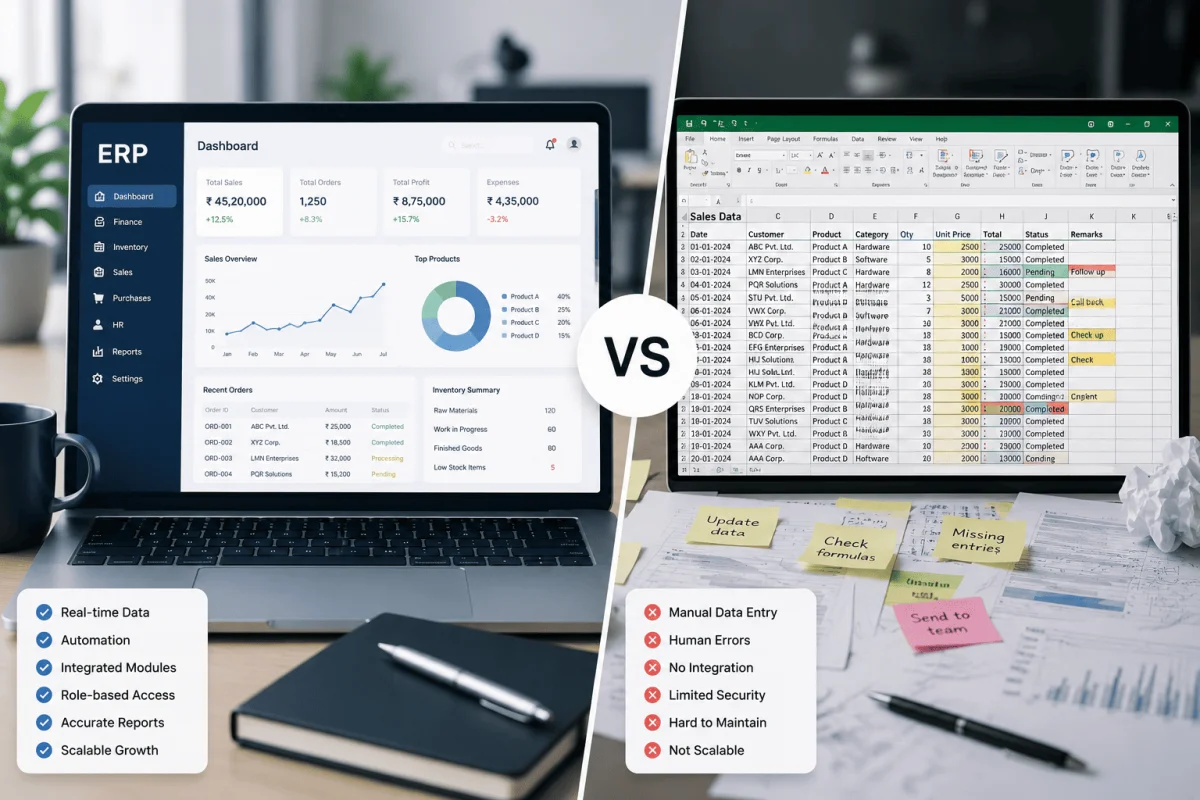
A spreadsheet is a great tool for one person doing one job. It becomes risky when it is used as a shared database for many people, many locations and many processes. Spreadsheets have no real access control, no audit trail that a non-technical owner can rely on, no automatic link between sales, purchase, stock and accounts, and no protection against someone sorting one column and breaking every row. None of this matters at ten invoices a day. All of it matters at two hundred.
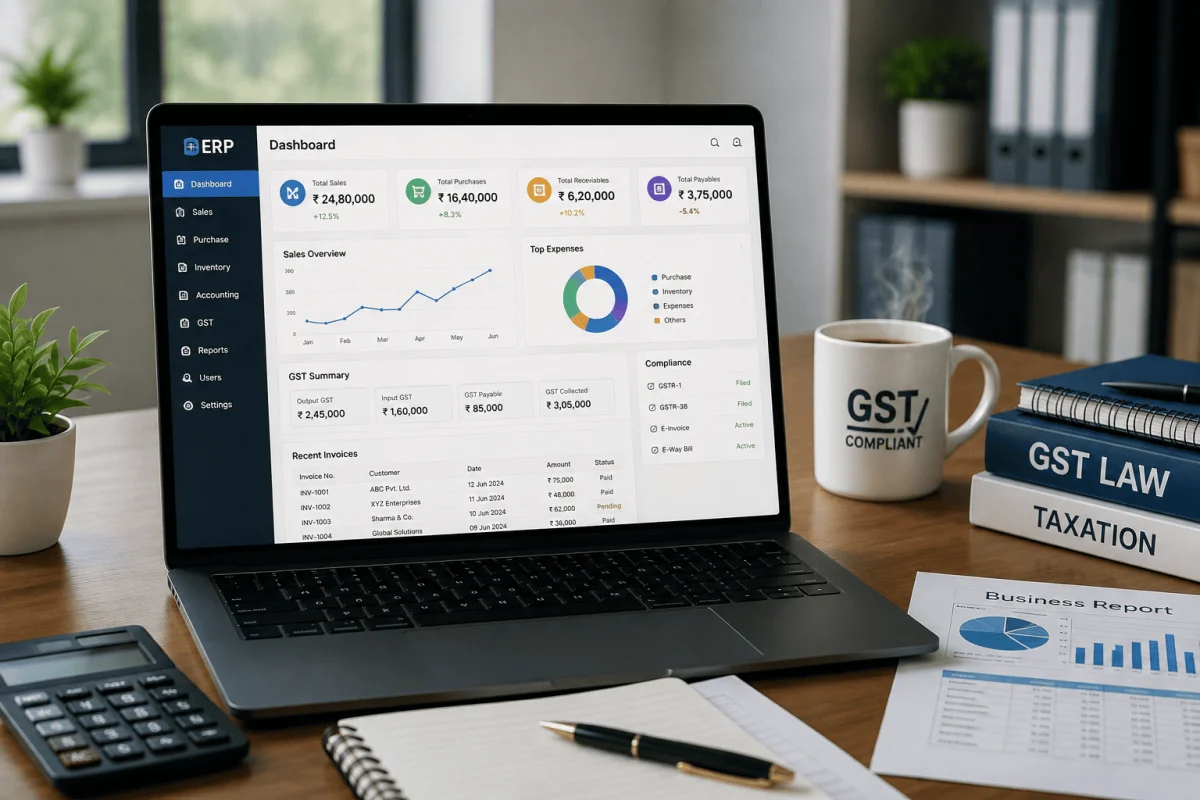
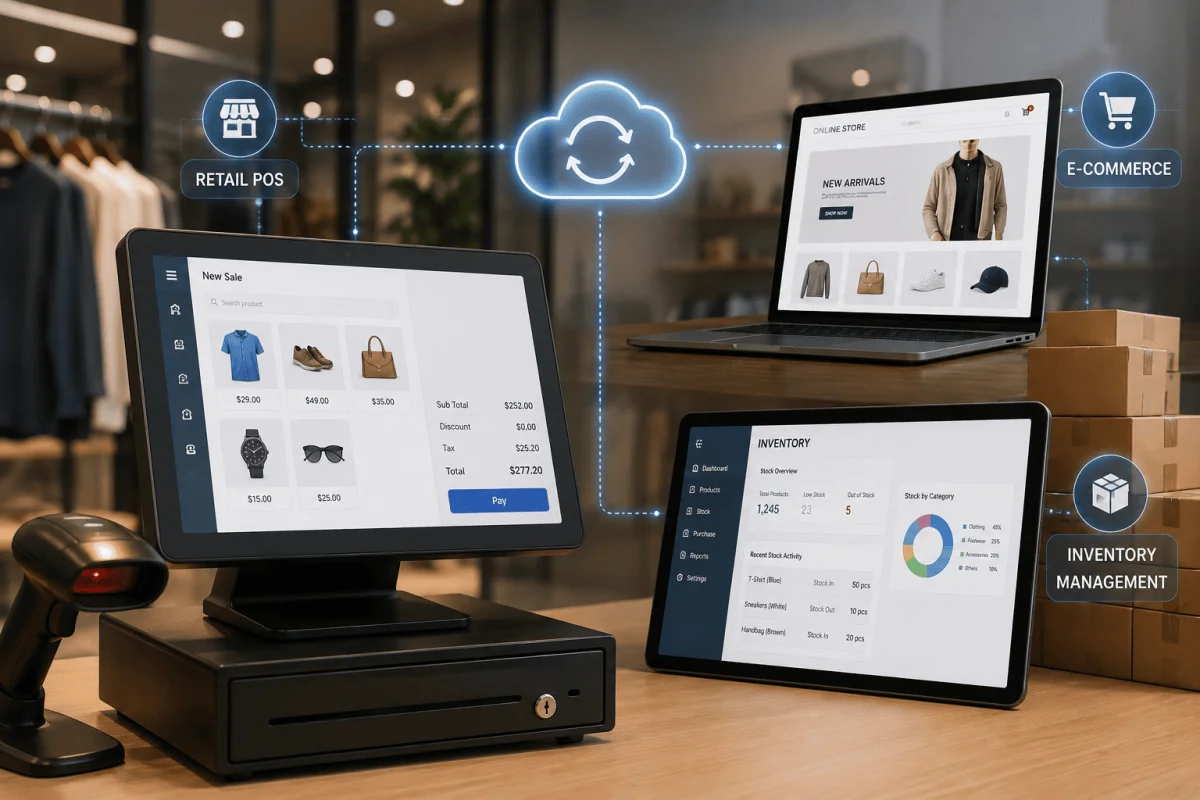
An ERP (enterprise resource planning) system replaces scattered files with one database and a set of connected modules: sales, purchase, inventory, accounts, HR and reporting. Each transaction is entered once and flows to every place it is needed.
Ten signs your business has outgrown Excel
If three or more of these sound familiar, it is worth evaluating an ERP seriously:
- Month-end close takes more than three or four working days because data has to be copied and reconciled between sheets.
- Stock figures never match the physical count, and you regularly discover shortages or dead stock late.
- Several people edit the same file, and you have seen versions like "stock_final_v3_new.xlsx".
- You have a second branch, godown or sales channel, and combining their numbers is manual work.
- Owners cannot get a same-day answer to simple questions such as "What are our receivables over 60 days?"
- Errors cost real money: wrong prices on quotes, duplicate purchase orders, or missed payment follow-ups.
- One or two people "own" the sheets, and the business struggles when they are on leave.
- Approvals happen on WhatsApp, with no record of who approved a discount or a purchase.
- Your auditor or CA spends days cleaning data before they can start actual work.
- You are planning growth (new products, more staff, a new city) and the current setup clearly will not keep up.
When spreadsheets are still the right choice
ERP is not for everyone. If you are a single-location business with a handful of staff, simple stock and an accountant who manages your books in Tally, a well-structured spreadsheet plus accounting software may be enough for now. Moving too early adds licence or development cost, training time and process overhead without a clear return. A good rule of thumb: if the pain is mostly about one person's convenience, improve the sheet; if it is about coordination between people, locations or departments, look at ERP.
Off-the-shelf ERP or custom ERP?
Indian SMEs typically choose between three routes:
| Option | Best for | Typical trade-off |
|---|---|---|
| Accounting software with add-ons | Small traders with simple stock | Low cost, but limited workflows and reporting |
| Off-the-shelf ERP (cloud subscription) | Standard trading, distribution or services | Fast to start; you adapt your process to the software |
| Custom or configurable ERP | Manufacturing, projects, multi-branch or unusual workflows | Fits your process; needs more time and a reliable partner |
As a typical range, cloud ERP subscriptions for small teams in India often run from a few hundred to a few thousand rupees per user per month, while a custom-built or heavily configured ERP for an SME commonly falls somewhere between ₹3 lakh and ₹15 lakh or more, depending on modules and integrations. These are market ranges, not a quote. If you want a deeper comparison of the two approaches, read our guide on custom software vs off-the-shelf.
How to switch from spreadsheets to ERP: a step-by-step plan
1. Map how work really happens
Before talking to any vendor, write down your main processes: enquiry to invoice, purchase to payment, stock receipt to dispatch. Note who does each step, what sheet they use and where errors occur. This one document will make every vendor conversation sharper.
2. Decide what must be in phase one
Do not try to move everything at once. Most SMEs start with sales, purchase, inventory and accounts, then add HR, payroll, production or CRM later. A phased plan lowers risk and lets staff learn gradually.
3. Clean your data first
Your ERP is only as good as the data you load into it. Remove duplicate customers and items, standardise item codes and units, confirm opening stock with a physical count and agree opening balances with your CA. Budget two to four weeks for this; it is usually the most underestimated step.
4. Choose a partner, not just software
Ask vendors to demo your real process, not a generic one. Check who will train your staff, who will support you after go-live, and whether the team can visit if you are in Bhubaneswar or elsewhere in Odisha. Look at how they handle changes after launch.
5. Run in parallel for a short period
For two to four weeks, keep the old sheets running alongside the ERP for critical areas such as stock and receivables. Compare numbers weekly. Once they match, retire the sheets for good so people do not slip back.
6. Train by role, not by module
A billing clerk needs to master three screens, not the entire system. Short, role-based sessions and a one-page cheat sheet per role work far better than a single long training day.
7. Measure the result
Pick three or four numbers before you start, for example days to close the month, stock variance, and time to prepare a sales report, and measure them again three months after go-live.
Typical timelines
For a small or mid-sized business, a phased ERP rollout typically takes six to sixteen weeks for the first phase, depending on the number of locations, how clean the data is and how much customisation is needed. Later phases are usually faster because the team already understands the system.
Readiness checklist
- We have written down our main processes and pain points.
- We know which modules are in phase one.
- One internal owner has time set aside to lead the project.
- Item, customer and vendor masters are cleaned up.
- Opening balances are agreed with our CA.
- We have a budget for software, implementation and the first year of support.
If you are ready to explore a system built around how your business works, see how our ERP software for SMEs handles sales, inventory and accounts in one place, or talk to our team in Bhubaneswar about your current spreadsheets.
Cost of staying on spreadsheets
Owners often compare the price of an ERP with "free" spreadsheets, but spreadsheets have hidden costs. Add up the hours your accounts team spends every month copying data between files, the days lost at month-end, the stock written off because it was never tracked properly, and the sales lost when a customer is told an item is available when it is not. Even modest estimates for a business with ten to twenty staff often run into several lakh rupees a year. There is also a risk cost: a single corrupted or deleted file can take days to rebuild, and spreadsheets shared over email or WhatsApp are hard to secure.
A simple way to estimate it
- Hours per month spent reconciling sheets multiplied by an hourly staff cost.
- Value of stock variance found in the last physical count.
- Billing or pricing errors last quarter and their cost.
- Days of delay in month-end reporting and the decisions that waited for it.
Once you have these numbers, the ERP decision becomes a business case rather than a guess.
Frequently Asked Questions
Can I keep using Tally if I move to an ERP?
Yes. Many Indian SMEs keep Tally for final accounts and filing while the ERP handles operations such as sales, purchase and stock. The two can be linked through exports or an integration so that data is not typed twice.
How long does it take to move from Excel to ERP?
A typical first phase for an SME takes six to sixteen weeks, including data cleaning, setup, training and a short parallel run. Data preparation is often the step that decides the timeline.
Is ERP too expensive for a small business?
Not necessarily. Cloud subscriptions and phased custom builds let small businesses start with a few modules. Compare the cost against the time your team spends reconciling sheets and the money lost to stock and billing errors.
What is the biggest reason ERP projects fail?
Poor data and weak ownership. Projects succeed when one person inside the business owns the rollout, data is cleaned before go-live, and staff are trained for their specific roles.

Written by Deepankar Saha
Deepankar Saha has 16+ years of experience in software development and entrepreneurship. He leads Utility Cube Technologies, working with founders and operations teams to plan, build, and grow websites, applications, and business software they can run with confidence.