When a website or app stops performing, the instinct is often to redesign it: new colours, a new layout, a fresh look. But a redesign based on opinions rather than evidence can easily make things worse, and it is expensive to undo. A UX audit is a structured review of how real people use your product, where they struggle and why. Done before a redesign, it tells you what to fix, what to keep and what to measure. This guide explains what a UX audit covers, how to run one, and how it saves time and money for businesses in India planning a website or software redesign.
What a UX audit is (and is not)
A UX audit examines a digital product against usability principles, business goals and real user behaviour. It combines expert review, analytics and, ideally, direct observation of users. It is not a visual critique or a list of personal preferences. The output is a prioritised list of problems with evidence and recommended fixes.
Why analytics alone are not enough
Tools like Google Analytics show you what happens: people leave the pricing page, or abandon a form at step three. They rarely tell you why. Is the form asking for information users do not have? Is the button hidden below the fold on mobile? Is the price confusing? A UX audit connects the numbers to the actual experience, so you fix causes rather than symptoms.
Signs you need an audit before redesigning
- Traffic is steady but enquiries, sign-ups or sales are falling.
- Customers call or WhatsApp to ask questions the website should answer.
- Mobile users bounce much more than desktop users.
- Staff complain that internal software is slow or confusing.
- Different stakeholders disagree about what is wrong.
- The last redesign did not move the numbers.
What a UX audit covers
| Area | What is reviewed |
|---|---|
| Navigation and structure | Can users find key pages and information quickly? |
| Content clarity | Is it clear what you offer, for whom and at what next step? |
| Forms and conversion paths | Number of fields, errors, trust signals, friction points |
| Mobile experience | Tap targets, readability, speed on typical Indian mobile networks |
| Accessibility | Contrast, text size, keyboard use, alt text, labels |
| Performance | Load times and Core Web Vitals |
| Consistency | Buttons, colours, terms and patterns used the same way everywhere |
| Trust | Contact details, address, reviews, security indicators |
How to run a UX audit: step by step
1. Define the goals
Agree on what success means: more enquiries, fewer support calls, faster task completion for staff. List the three to five most important user tasks, such as "request a quote" or "book an appointment".
2. Gather data
Review analytics for traffic sources, top pages, drop-off points and device split. Look at Search Console queries, heatmaps or session recordings if available, and collect common customer questions from your sales or support team.
3. Expert heuristic review
A UX specialist walks through each key task, checking against established usability principles such as clear feedback, consistency, error prevention and recognition over recall. Each issue is noted with a screenshot and severity.
4. Test with real users
Even five users can reveal most major problems. Ask them to complete key tasks while thinking aloud. Include people who match your real customers, for example small business owners in Bhubaneswar, or patients booking a clinic visit, and test on the phones they actually use.
5. Prioritise findings
Rank issues by impact and effort. Quick wins (high impact, low effort) get fixed first; deeper structural issues inform the redesign.
6. Set a baseline
Record current conversion rates, task completion times and bounce rates so you can measure whether the redesign actually improved things.
Example findings and fixes
These are typical patterns seen in audits, not results from a specific project:
- Contact form with too many fields: reduce to name, phone and requirement; ask the rest later.
- Services hidden in a dropdown: show the main services on the home page with clear links.
- No phone or WhatsApp button on mobile: add a visible click-to-call option.
- Heavy images slowing mobile pages: compress and serve modern formats.
- Jargon in headings: rewrite in the words customers use.
Audit vs redesign: cost and time
As typical ranges, not quotes: a focused UX audit of a business website or small application usually takes one to three weeks, while a full redesign can take six to sixteen weeks or more. Because the audit narrows the scope, it often reduces redesign cost and rework, and sometimes shows that targeted fixes are enough without a full redesign.
Turning audit results into a redesign plan
- Fix quick wins on the current site immediately.
- Use findings to write a clear redesign brief.
- Prototype key screens and test them before building.
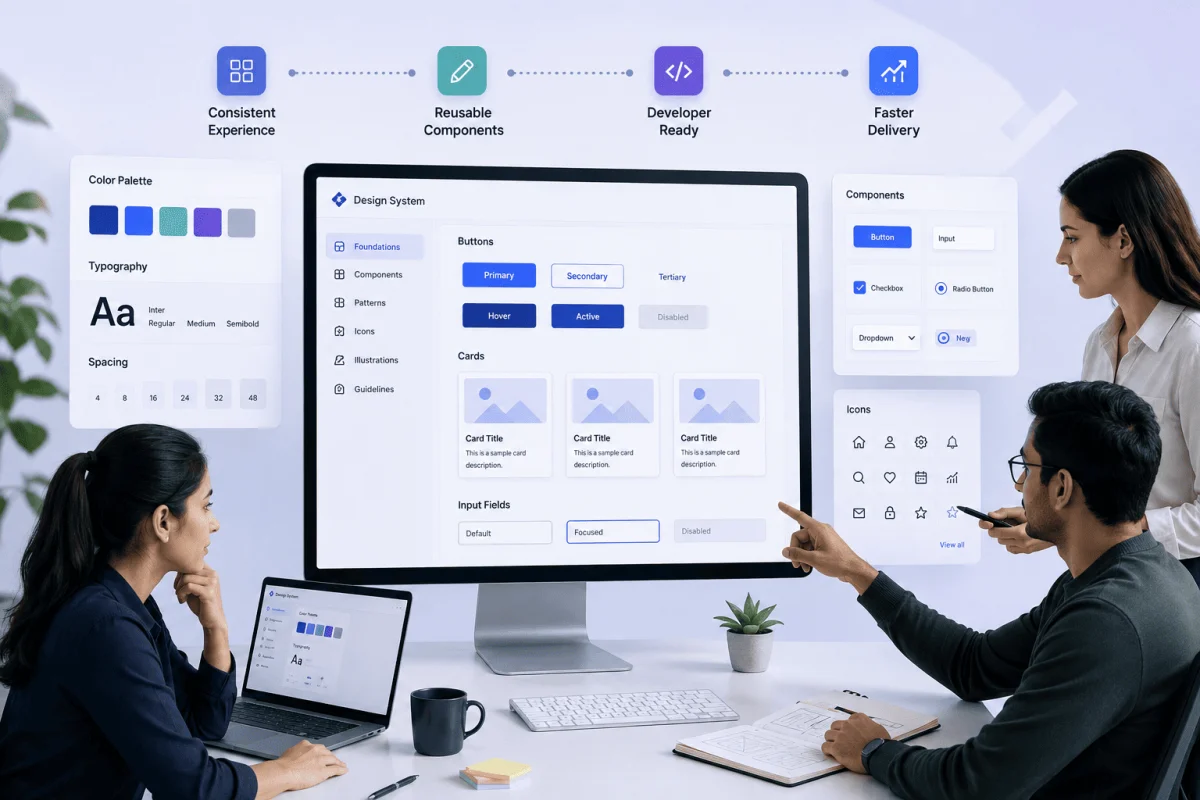
- Build reusable components so the new design stays consistent; see our guide on design systems for product teams.
- Launch, then compare against your baseline.
Our UI/UX design services include usability audits, prototypes and design systems, and our website development team can implement the changes. Contact us to book an audit.
What you receive at the end of an audit
A useful audit report should be practical enough for your team to act on immediately. Typically it includes:
- A summary of the top five to ten issues and their business impact.
- Annotated screenshots showing each problem.
- Severity and effort ratings for every finding.
- Recommended fixes, with examples where useful.
- Baseline metrics to compare after changes.
- Quotes or clips from user testing sessions, where testing was included.
Auditing internal software
UX audits are not only for public websites. ERP, HRMS and hospital systems are used for hours every day, and small usability problems multiply across hundreds of users. Observing staff at billing counters, front desks or HR offices often reveals slow workflows, confusing labels and repeated data entry that can be fixed quickly.
An audit also creates a shared, evidence-based view of the problems, which makes it far easier for owners, marketing teams and developers to agree on priorities and budget before redesign work starts.
Frequently Asked Questions
How long does a UX audit take?
Typically one to three weeks for a business website or small application, depending on the number of key tasks and whether user testing is included.
Can we do a UX audit ourselves?
You can start by reviewing analytics and watching a few customers use your site. An external reviewer is helpful because internal teams are often too familiar with the product to see problems.
How many users do we need to test with?
Five to eight users per key user group usually reveal most major usability issues.
Will a UX audit improve SEO?
Indirectly, yes. Clearer content, faster pages and better mobile usability support both search performance and conversions.

Written by Deepankar Saha
Deepankar Saha has 16+ years of experience in software development and entrepreneurship. He leads Utility Cube Technologies, working with founders and operations teams to plan, build, and grow websites, applications, and business software they can run with confidence.