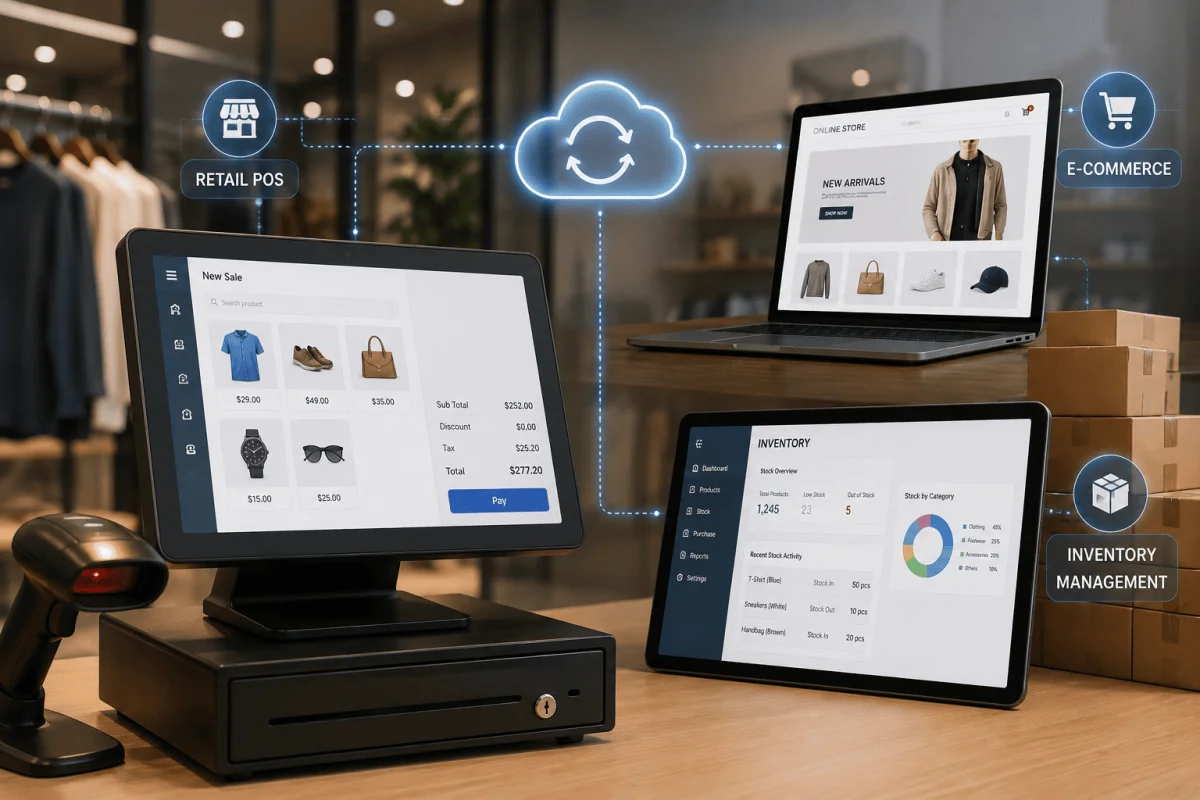
Indian shoppers no longer think in channels. A customer in Bhubaneswar might see a product on Instagram, check its price on your website, visit your store at Esplanade or Patia to try it, and then order it online for home delivery. If your billing counter, warehouse and online store each keep their own stock count, that journey breaks: the website shows an item that is sold out, the store cannot see online orders, and month-end reconciliation becomes a headache. This guide explains how to connect a retail POS with e-commerce and inventory so that every channel works from the same, real-time data.
What omnichannel retail actually requires
Omnichannel is not about having many channels; it is about those channels sharing one view of products, stock, customers and orders. In practice, that means:
- One product master with the same SKU, barcode, price and tax details everywhere.
- Live stock levels per location, visible to the store, the warehouse and the website.
- Orders from every channel flowing into one system for fulfilment and accounting.
- A single customer record, so loyalty points and purchase history follow the customer.
Three common integration patterns
| Pattern | How it works | Best for |
|---|---|---|
| POS as the hub | The POS holds products and stock; the website syncs from it | Store-led retailers adding online sales |
| ERP or inventory system as the hub | A central system holds stock; POS and website both connect to it | Multi-store chains and businesses with warehouses |
| Middleware or integration layer | A connector moves data between separate systems | Businesses keeping existing tools they cannot replace |
For most growing Indian retailers with more than one or two stores, a central inventory or ERP hub is the most reliable long-term choice, because it avoids each system arguing about who has the correct stock number.
Real-time sync vs scheduled sync
Real-time sync updates stock the moment a sale is made at the counter or online. Scheduled sync runs every few minutes or hours. Real-time is better for fast-moving or limited stock, such as fashion sizes or electronics. Scheduled sync can work for slower-moving items, but you should keep a safety buffer online, for example showing an item as out of stock when only one or two units remain.
Key data flows to design
Products and prices
Decide where products are created and edited. Allow channel-specific prices or offers if you need them, but keep one source of truth.
Stock
Track stock per location, including in-transit stock between warehouse and stores. Reserve stock when an online order is placed so the store does not sell the same unit.
Orders and fulfilment
Support click-and-collect, ship-from-store and ship-from-warehouse. Each order should show which location will fulfil it.
Returns and exchanges
Let customers return online purchases in store, and update stock and refunds correctly. This is one of the most common gaps in Indian retail setups.
GST and accounting
Every channel must produce GST-compliant invoices, and all sales should reach your accounts or ERP with the correct tax breakdown.
Common problems and how to avoid them
- Overselling online: use real-time sync or a stock buffer.
- Duplicate products: enforce unique SKUs and barcodes from one master.
- Internet outages at the counter: choose a POS that works offline and syncs when the connection returns.
- Mismatched prices: control price changes centrally with a clear approval step.
- Slow checkout: keep the billing screen simple, with barcode scanning and UPI payment support.
Step-by-step integration plan
- Audit your current systems: POS, website, marketplace listings, accounting.
- Clean the product master and assign unique SKUs and barcodes.
- Choose your hub (POS, ERP or middleware) and define which system owns which data.
- Integrate stock first, then orders, then customers and loyalty.
- Test with one store and the website before rolling out to all stores.
- Train staff on order pickup, returns and stock transfers.
- Monitor sync errors daily for the first few weeks.
Typical cost and time ranges
As typical market ranges, not quotes: connecting an existing POS to a website through ready connectors can take two to six weeks, while a custom omnichannel setup with a central inventory system, POS and e-commerce integration for a multi-store retailer often takes two to five months. Costs vary widely with the number of stores, channels and custom workflows.
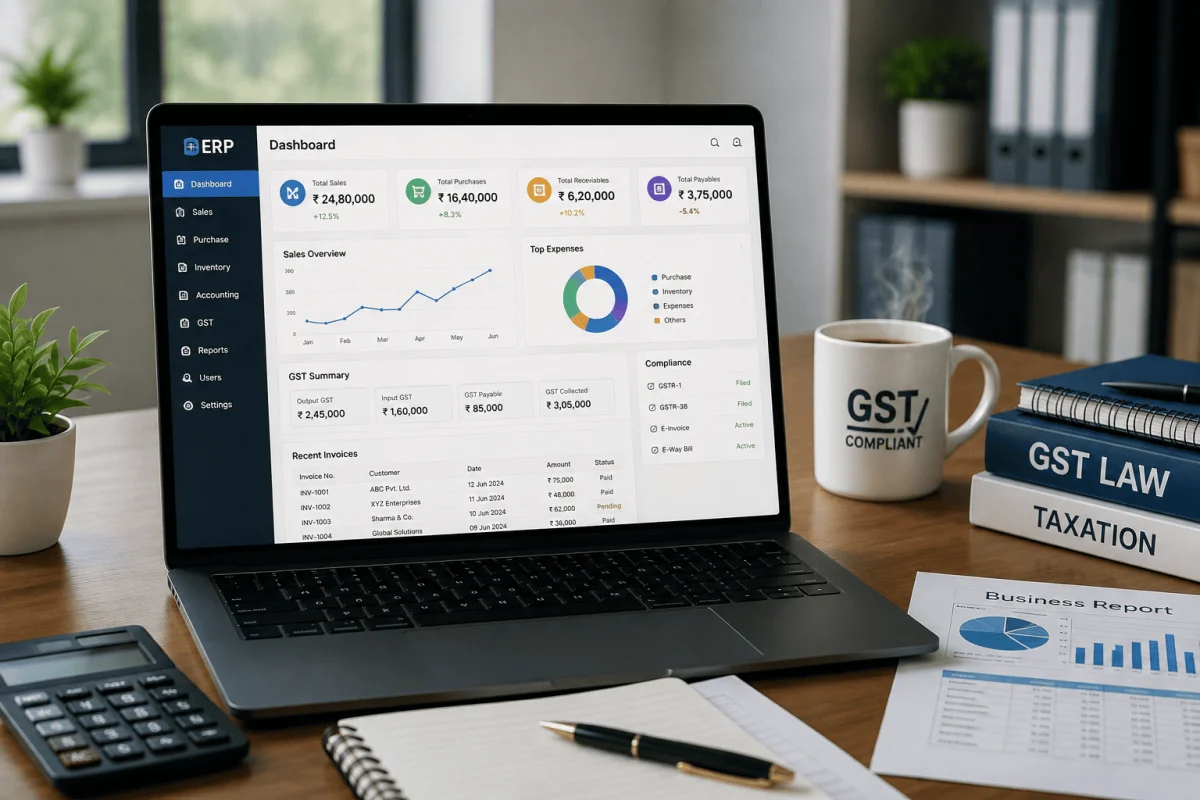
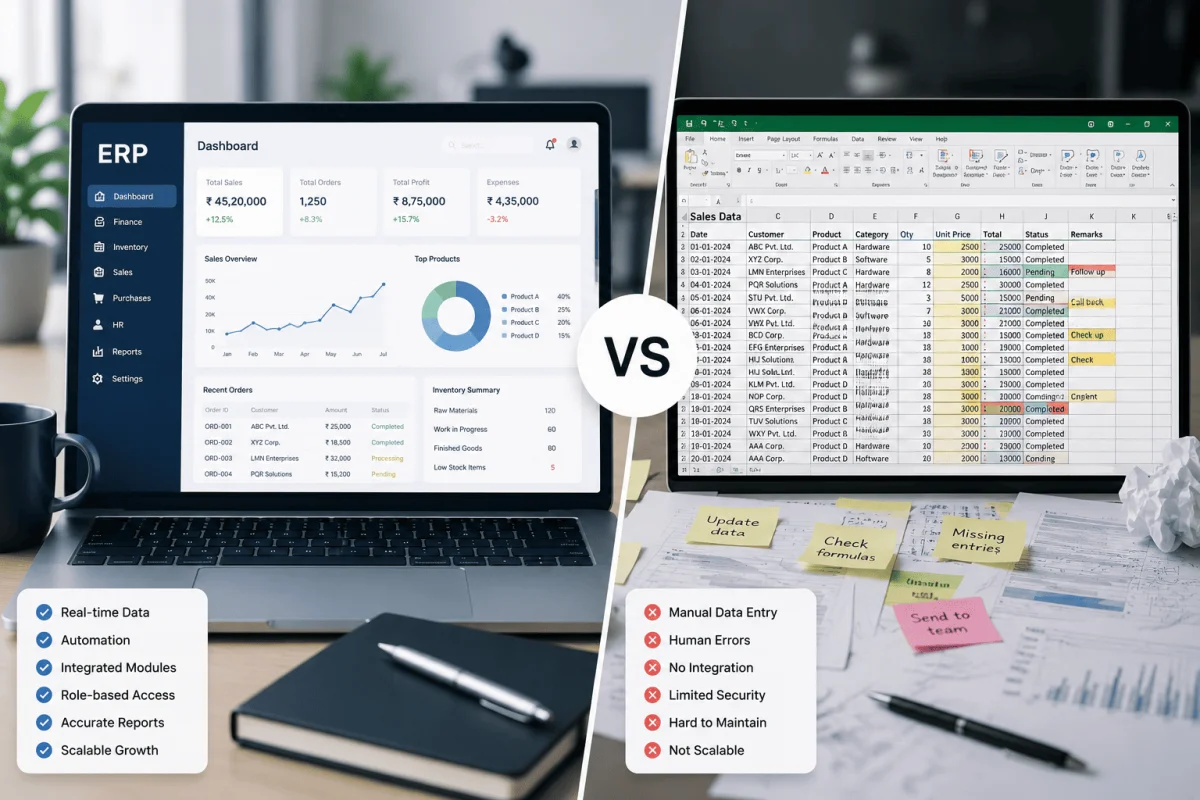
If your inventory and accounts already live in spreadsheets, read ERP vs spreadsheet: when SMEs should upgrade before you start.
Omnichannel readiness checklist
- One product master with unique SKUs.
- Stock tracked per location.
- Clear decision on the hub system.
- Offline-capable POS at every counter.
- GST-compliant invoicing on every channel.
- Returns process defined across channels.
Our retail POS and inventory management system is built to keep stores, warehouses and online orders in sync, and our e-commerce website development team can connect it to your online store. Contact us to discuss your setup.
Marketplaces and quick commerce
Many Indian retailers also sell on marketplaces such as Amazon, Flipkart or Myntra, and increasingly through quick-commerce platforms. Each marketplace has its own product format, order flow and return rules. Rather than updating stock on each seller panel by hand, connect them to your central inventory through official APIs or a trusted connector. Allocate stock carefully: for example, keep a fixed quantity for each marketplace so a sudden spike on one channel does not empty your store shelves.
Customer data and loyalty
When the POS and website share customer records, you can recognise a shopper by phone number at the counter and see their online orders, reward loyalty points earned on either channel, and send relevant offers by SMS or WhatsApp. Collect consent clearly, keep data secure, and give staff a simple way to look up customers without exposing more information than needed.
Reporting that becomes possible
- Sales by store, channel and product in one dashboard.
- Stock ageing and slow movers across all locations.
- Best-selling sizes or variants per store, to guide transfers.
- Return rates by channel and reason.
Staff readiness
Counter staff should know how to look up online orders, process in-store returns of online purchases and transfer stock between stores. Short, hands-on training at each store before go-live prevents most early problems.
Frequently Asked Questions
Can my existing POS connect to my website?
Often yes, if the POS offers an API or ready connector. If it does not, a middleware layer or a move to an integrated POS may be needed.
What happens to billing if the internet goes down?
An offline-capable POS keeps billing and stores transactions locally, then syncs stock and sales once the connection is restored.
Do I need real-time stock sync?
For fast-moving or limited stock, yes. For slow-moving items, frequent scheduled sync with a small online stock buffer can be enough.
Can omnichannel work for a single-store retailer?
Yes. Even one store with a website benefits from shared stock and orders, and the setup can grow as you add stores.

Written by Deepankar Saha
Deepankar Saha has 16+ years of experience in software development and entrepreneurship. He leads Utility Cube Technologies, working with founders and operations teams to plan, build, and grow websites, applications, and business software they can run with confidence.