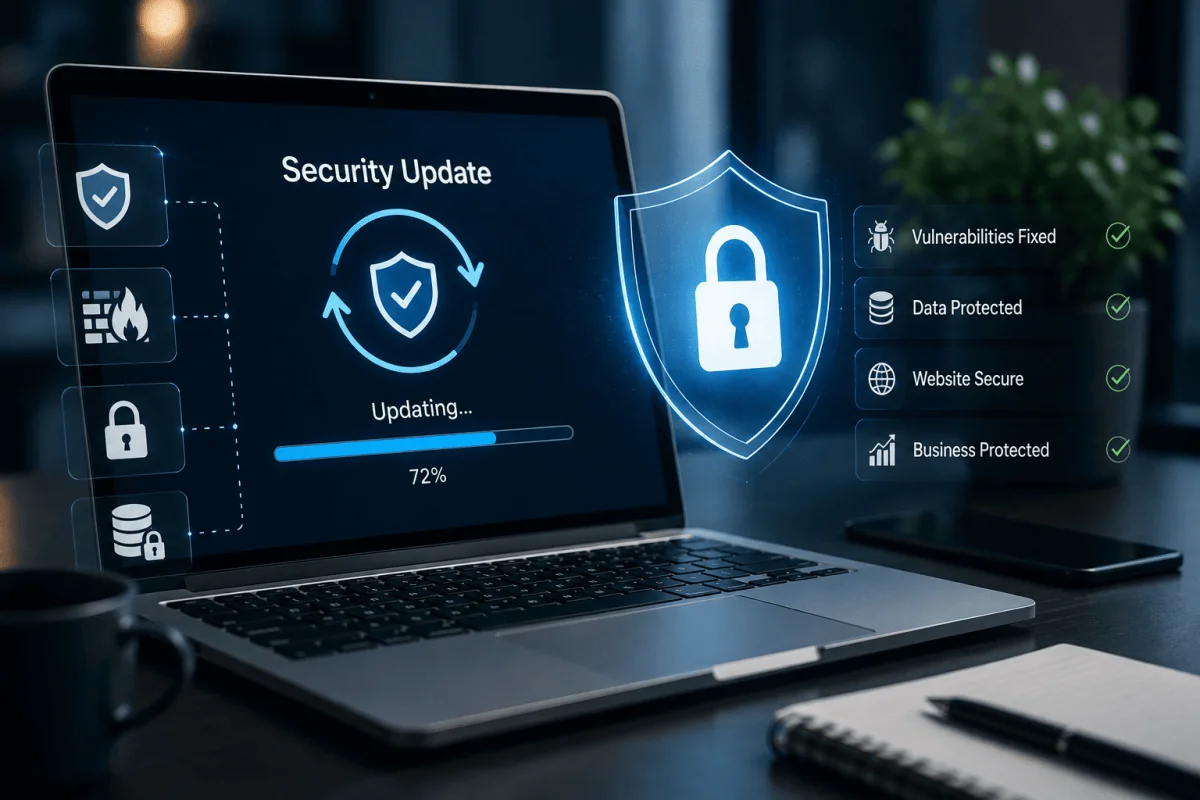
Most business websites are not hacked because someone targeted them personally. They are hacked because automated bots scan the internet around the clock looking for known weaknesses: an outdated WordPress plugin, an old PHP version, a forgotten admin page, a weak password. Once a vulnerability is public, attacks often start within days. That is why regular security updates are not optional maintenance but one of the most important things you can do to protect your business, your customers and your search rankings. This guide explains why updates matter, what should be updated, and a practical routine for Indian businesses of any size.
What happens when a website is compromised
- Defacement or spam pages: attackers add pages selling unrelated products or gambling links, often hidden from you but visible to Google.
- Malware and redirects: visitors are silently sent to scam sites, and browsers start showing "dangerous site" warnings.
- Data theft: contact form submissions, customer details and admin credentials are stolen.
- SEO damage: search engines may flag or drop the site, and rankings can take months to recover.
- Email blacklisting: if the server sends spam, your business email may stop reaching customers.
- Downtime and cleanup cost: restoring a hacked site is almost always more expensive than preventing the hack.
What needs regular updates
| Layer | Examples | Why it matters |
|---|---|---|
| CMS core | WordPress, Drupal, custom CMS | Security releases fix known vulnerabilities |
| Plugins and themes | Forms, sliders, page builders, SEO plugins | The most common entry point for attacks |
| Frameworks and libraries | Laravel, React, Node.js packages, jQuery | Outdated dependencies carry public vulnerabilities |
| Server software | PHP, MySQL, web server, operating system | End-of-life versions no longer receive fixes |
| SSL/TLS certificates | HTTPS certificates | Expired certificates scare visitors away |
| Access credentials | Admin, hosting, FTP, database passwords | Weak or shared passwords are easy to guess |
Why businesses fall behind on updates
- The website was built by a freelancer or agency that is no longer involved.
- Nobody is sure whether an update will break the site.
- There is no staging copy to test updates safely.
- Updates are seen as a cost with no visible benefit, until something goes wrong.
The fix is not to update recklessly, but to update with a process.
A safe update routine
Weekly
- Check for security releases for the CMS, plugins and libraries.
- Review uptime and security alerts.
- Confirm that automated backups ran successfully.
Monthly
- Apply routine updates on a staging copy, test key pages and forms, then apply to the live site.
- Remove unused plugins, themes and admin accounts.
- Scan the site for malware and unexpected files.
Quarterly
- Review server software versions and plan upgrades for anything nearing end of life.
- Rotate important passwords and review who has access.
- Test a full backup restore.
Immediately
Apply critical security patches as soon as they are tested, ideally within a few days of release, especially for widely used plugins.
Security basics beyond updates
- Use strong, unique passwords and two-factor authentication for admin logins.
- Limit login attempts and change default admin URLs where practical.
- Give each person their own account with only the access they need.
- Use a web application firewall, often available through your host or a CDN such as Cloudflare.
- Keep daily backups, with at least one copy stored off the server.
- Serve the whole site over HTTPS and add basic security headers.
- Validate and sanitise all form inputs on custom applications.
Custom web applications need updates too
Businesses sometimes assume that custom-built software is safer because it is not WordPress. Custom applications still depend on frameworks, libraries and servers that receive security fixes. Without regular dependency updates and code reviews, a custom portal can become just as vulnerable. If you run a customer portal, ERP or booking system, include it in your update routine.
What to do if your site is hacked
- Take the affected site offline or into maintenance mode if it is harming visitors.
- Change all passwords: hosting, CMS, database, FTP and email.
- Restore from a clean backup, or have a professional clean the files and database.
- Update everything and remove the vulnerability that was exploited.
- Request a review in Google Search Console if the site was flagged.
- Inform customers if their personal data may have been exposed, and seek advice on your legal obligations.
Typical cost of ongoing security maintenance
As typical market ranges in India, not quotes: basic website maintenance with updates, backups and monitoring often costs from a few thousand rupees per month for a small site, with higher tiers for e-commerce or custom applications that need more testing. Hack cleanup and recovery can cost several times a year of maintenance, plus the lost business. For help choosing a plan, read our guide on choosing the right AMC for your web application.
Website security checklist
- CMS, plugins, themes and libraries up to date.
- Server software on supported versions.
- Daily backups with off-site copies and tested restores.
- Two-factor authentication on admin accounts.
- Firewall and malware scanning enabled.
- Valid SSL certificate and HTTPS everywhere.
- Unused accounts, plugins and files removed.
- A named person or partner responsible for updates.
Our website maintenance and security support plans cover updates, backups, monitoring and fixes for businesses in Bhubaneswar and across India. If your site needs a rebuild on a more secure foundation, see our website development services or contact us for a security check.
Who is responsible for updates?
One of the most common reasons sites fall behind is that nobody is clearly responsible. Decide in writing who checks for updates, who tests them, who applies them to the live site and who receives security alerts. For many small and mid-sized businesses, this is handled by the development partner under a maintenance plan, while an internal person keeps admin access and receives monthly reports. Whatever the arrangement, keep a simple update log showing what was updated, when and by whom.
Finally, keep a written list of every plugin, library and service your site depends on, with its version. When a new vulnerability is announced, this list lets you check within minutes whether your site is affected.
Frequently Asked Questions
How often should a website be updated?
Check for security updates weekly, apply routine updates monthly after testing, and apply critical security patches within a few days of release.
Can updates break my website?
Occasionally, which is why updates should be tested on a staging copy first and backed by a recent backup that can be restored quickly.
Does website security affect SEO?
Yes. Hacked sites can be flagged by browsers and search engines, lose rankings and show warnings to visitors, which reduces traffic and trust.
Is a small business website really a target?
Yes. Most attacks are automated and look for any vulnerable site, regardless of size or industry.

Written by Deepankar Saha
Deepankar Saha has 16+ years of experience in software development and entrepreneurship. He leads Utility Cube Technologies, working with founders and operations teams to plan, build, and grow websites, applications, and business software they can run with confidence.